Ask a cybersecurity specialist to list the most dangerous devices in a building and you will rarely hear laptops mentioned first. You will hear the smart TV, the doorbell camera, the thermostat, the baby monitor, the smart meter, and the solar inverter sitting in the garage.
These devices share a problem. They were designed to be installed, connect to the internet, and never be thought about again. Almost none of them ship with good security, and most of them are still running the firmware they arrived with years later.
This is IoT security in practice, and it is the least well-funded part of the entire security discipline — because the people buying the devices are not the ones who will be breached by them, so nobody in the supply chain has an incentive to fix it. The NISTIR 8259 series exists because this is a recognised, structural problem rather than bad luck.
Why Connected Devices Are Different
A normal computer was built with security in mind, at least somewhat. An IoT device usually was not, and the difference shows up everywhere:
| Issue | Traditional IT | Consumer IoT |
|---|---|---|
| Default password | Changed or disabled at setup | Often identical on every unit sold, forever |
| Patch support | Clear end-of-life date, published | Frequently ends silently, with no announcement |
| Support lifetime | 5–10 years | Often 2–3 years of security updates, then nothing |
| Reviewability | Full logs, source visibility | Closed firmware, minimal logging |
| Lifetime | 3–5 years | 10–20 years, installed and forgotten |
That last row is the crux. A router or smart TV bought in 2016 may still be running in your home in 2026, on firmware that stopped receiving security updates in 2019, reachable from the internet, with a factory default password.
You do not have to be a target. Most attacks against this category are entirely opportunistic — automated scanning of the entire internet, looking for anything that responds. Your device gets found whether or not anyone was targeting you.
The Four Settings That Fix Most of It
Good IoT security is not a product you buy. You cannot audit twenty devices, but you can do these four things, and they eliminate the majority of real-world exposure.
1. Change every default password. Immediately.
The published default credentials for a given device model are not a secret. They are in a spreadsheet on the internet, and every scanning tool tries them. This is the single highest-value action available to you, and it takes five minutes per device.
Apply it to cameras, DVRs, smart speakers, thermostats, TVs, streaming boxes, routers, and the monitoring interface on your inverter.
2. Segment the devices onto their own network
This is the control that stops one compromised gadget becoming your whole problem. Put IoT devices on a guest network or IoT VLAN that can reach the internet but cannot reach your computers, phones or NAS.
It sounds technical and is genuinely simple on any modern router: create a guest network, put the smart devices on it, and connect your own devices to the main one. You do not need to configure a VLAN. The result, covered in more detail in router security and home network hardening, is that a compromised camera physically cannot reach your laptop.
3. Update the firmware, and know when support ends
Check for firmware updates quarterly for anything that holds a password or a key. More importantly, record the year support ends for each device in a small note. When that date passes and the device is still in service, plan to replace it — because from that point it is a liability with a network port.
4. Delete the apps and accounts you do not use
Every service connected to a device is another company holding your data and another place to breach. Many smart devices ship with optional voice assistants, cloud sharing and remote access that users never enabled and never turned off. If you do not use remote access, disable it — it removes an entire inbound attack path.
The Solar Specifics
Because this is a solar business, it is worth being specific about the equipment we install. Modern inverters and monitoring systems are IoT devices, and they carry a specific risk that is worth understanding.
Monitoring credentials are the weak point. A cloud monitoring account is tied to an email address, and that email address is often the same one used for everything else. If it is compromised, the attacker does not need to touch the inverter at all — they simply log into the portal and watch your system’s output in real time. That reveals your household’s routine: when you are home, when you are away, when power is unusually high.
That is a physical security problem, which is a theme we return to in solar inverter security and smart monitoring. The short version: give monitoring its own dedicated account with its own unique password and MFA.
Never open the monitoring port to the internet. Some installers expose inverter web interfaces directly to the public internet so the vendor’s cloud can reach them. This is convenient and it is one of the most exposed things in a home. Where direct access is genuinely needed, it should be through an authenticated VPN, not a forwarded port.
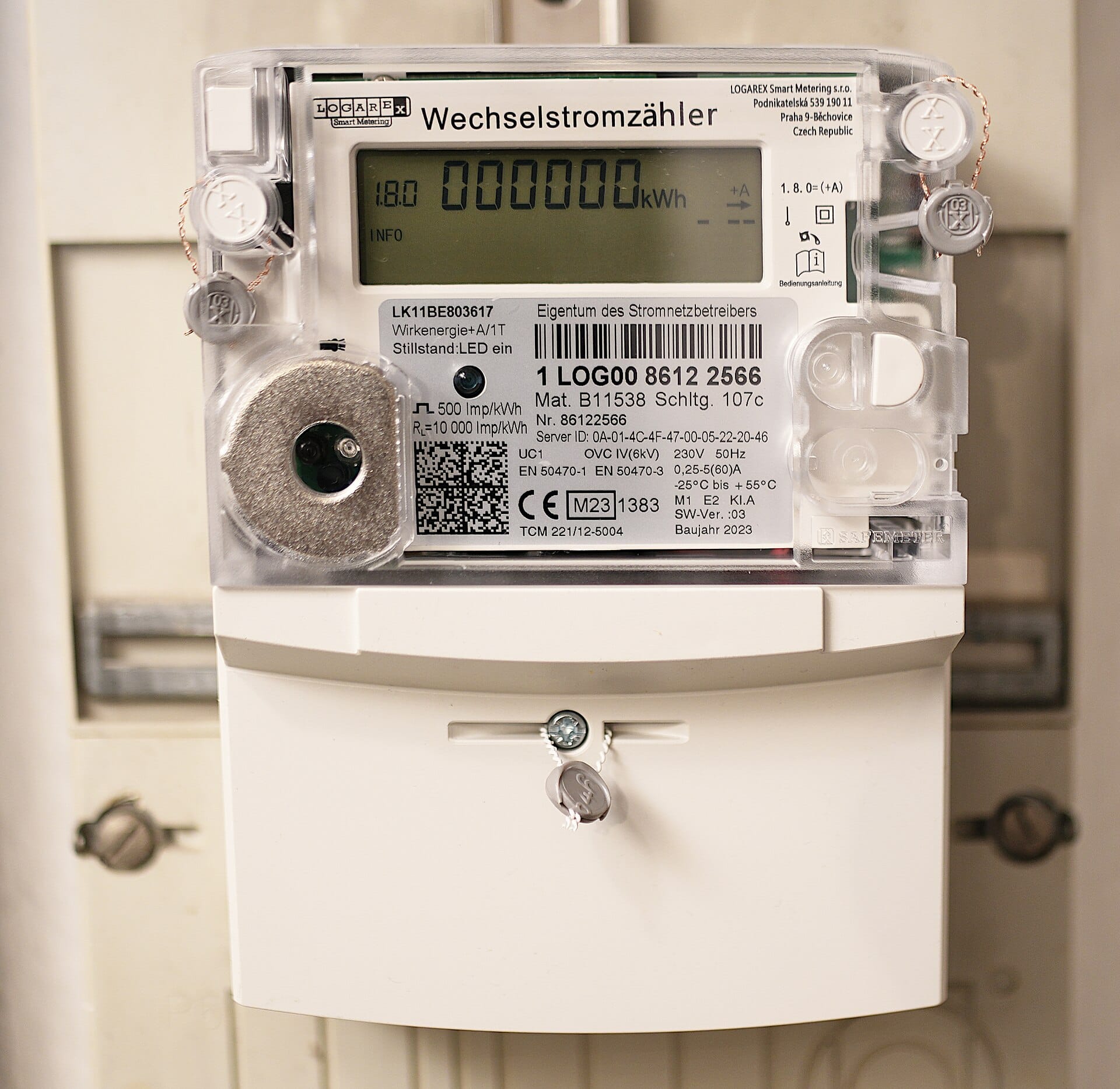
Meters are the same problem in a different box. A smart meter reports exactly when your home is occupied and how much it consumes. The same segmentation, unique credentials and firmware discipline apply. We looked at a comparable connected load in running an air conditioner on solar — the point being that anything you can read remotely, someone else can usually read too.
IoT Security: A 30-Minute Audit
Do this once, and then twice a year. Keep a simple list in a spreadsheet; the value is in the list, not the analysis.
- List every device that has a password, an app, or a network connection. Include the router, cameras, TV, speakers, printers, watches, plugs, meters and inverter.
- Check for default credentials. Anything still on them gets changed today.
- Move them to a guest or IoT network and confirm your own devices are not on it.
- Note the support end date for each. Set a calendar reminder to check firmware in three months.
- Disable remote access on anything you only use when you are sitting in front of it.
- Turn on automatic updates wherever the option exists, including your phone and laptop.
- Check for an account you forgot you created. Delete it, or at least change its password.
That is genuinely the whole of sensible IoT security for a home. The audit will take about half an hour and will typically find at least two devices you forgot existed. That is normal, and it is exactly why the list matters.
What to Buy Instead
IoT security is a purchasing decision before it is a configuration one. When choosing equipment, look for:
- A stated support lifetime, in years, from the manufacturer. “Updates for as long as the product is sold” is not an answer.
- Unique per-device credentials rather than shared defaults, and a documented process to change them.
- Local control that keeps working without an internet connection or a vendor cloud account.
- An automatic update mechanism that does not require you to find a download page.
- No dependency on an account for core function. A device that stops working when the vendor’s cloud dies is a liability, and vendor cloud shutdowns are common.
Paying slightly more for equipment with a five-year security commitment is usually cheaper than replacing compromised devices. And where two products are otherwise equivalent, choose the one that works fully offline.
Frequently Asked Questions
What is the biggest IoT security risk?
Factory default passwords on devices that are directly reachable from the internet. Scanning tools try published defaults automatically, so an unconfigured camera can be found and accessed within minutes of being connected.
Do I need a VPN to protect my smart devices?
Not for most people. Device updates, unique passwords, a guest network and MFA address the realistic risks. A VPN is worthwhile if you need to reach devices remotely, and it is essential instead of, not as well as, disabling public port forwarding.
Can a hacked smart device steal my data?
Yes, which is the argument for segmentation. A compromised device on the same network as your computer can scan it, install malware, and steal credentials. Putting it on a guest network removes that ability.
How long should I keep a smart device before replacing it?
Until its security support ends, then promptly. An unpatched connected device with a factory or unchanged password is a permanent entry point, and it will outlive several laptops.
Is my solar inverter’s monitoring a privacy risk?
It can be, because it reveals your household’s routine and energy use in real time. Protect it with a dedicated account, a unique password and MFA, and do not expose the device interface directly to the internet. See inverter security and smart monitoring.
Key Takeaways
- Change every default password today. It is the highest-value action available.
- Segment IoT devices onto a guest network they cannot use to reach your computers.
- Support lifetime, not purchase price, decides when a device must be replaced.
- Disable remote access and unused cloud features — that removes attack surface outright.
- Monitoring systems leak your routine. Give them a dedicated, MFA-protected account.
Next: hardening the router that all these devices depend on, and the attack chain these vulnerabilities enable.
Image: “Electricity Meter” by RobbieIanMorrison, CC BY 4.0, via Wikimedia Commons.
Sources: NISTIR 8259A: IoT Device Cybersecurity Capability Core Baseline · NIST SP 800-57 · CISA Secure Our World


0 Comments