Good password security is not about memorising clever strings. It is about removing the one weakness that actually gets exploited: reuse. Here is an uncomfortable but reliable test: take the password you use most often, and assume it is already known to someone. Not a stranger on the internet — someone specific. A former employer, a data broker, or an automated service that bought your details alongside a customer’s.
If that feels extreme, consider what actually happens to passwords. They leak constantly, from breaches you read about and breaches you never will, because the same password keeps appearing in every new dump. The result is that password security stopped being mainly about guessing and became mainly about reuse — and that is the part most advice still gets wrong.
This is what current guidance actually says, and what you should do about it.
Passwords Are Not Cracked. They Are Recycled.
The public image of password breaking — a program trying every combination in the world — is largely a myth as a practical attack method. Modern hardware would take longer than the heat death of the universe to exhaust a good long password. Attackers do not need it, because they do not attack the password. They attack the list of passwords.
Three techniques do the overwhelming majority of the real-world work:
| Technique | What it does | Why it works |
|---|---|---|
| Credential stuffing | Takes username/password pairs from breach A and tries them on service B at scale | People reuse passwords, so a correct pair often works elsewhere |
| Dictionary attack | Tests lists of common words, names and leaked passwords | Most passwords are predictable variations |
| Password reuse chains | Attacker breaches a tiny site to obtain one user’s credentials | That user is likely more valuable elsewhere |
Note what is not in that table: brute force. A short, common password can fall to a dictionary attack in seconds. A long, unique, randomly generated one effectively cannot be guessed. This is why length beats complexity, and it is the central recommendation in the NIST Digital Identity Guidelines.
What the Current Guidance Actually Recommends
The advice has genuinely changed, and most articles online are still years out of date. CISA and NIST now converge on a remarkably short list:
- Length first. A long passphrase beats a short symbol-scrambled word.
correct-horse-battery-stapleis stronger and easier to remember thanP@ssw0rd! - Uniqueness is the real requirement. Every account gets a different password. This is the single control that eliminates credential stuffing against you.
- Do not rotate on a schedule. Forced quarterly rotation historically made people write passwords on monitors. Current guidance is to change when there is reason to suspect exposure.
- Do not force arbitrary symbol rules. Complexity rules mostly produce
Password1!, which is in every dictionary. Length and uniqueness are stronger. - Store them in a password manager. You cannot remember 200 unique strong passwords. Nobody can. This is not optional advice, it is arithmetic.
That list is shorter than what you have probably read, and it is more effective, because every item is something a human will actually do. It is the whole of modern password security advice: a few habits, applied everywhere, rather than a clever scheme applied once.
Multi-Factor Authentication Is the Bigger Win
Even a perfect password fails if it is phished. This is the uncomfortable part: an attacker who obtains your real password through a fake login page can usually obtain your authenticator code too, because they are sitting on the fake page while you type it in. That is the attack that made traditional MFA feel safe and stop being safe.
This is why CISA’s MFA guidance emphasises phishing-resistant methods, in roughly this order:
| Method | Phishing resistant? | Notes |
|---|---|---|
| Hardware security key (FIDO2) | Yes | Best available; works offline |
| Passkey on a device | Yes | Growing, convenient, increasingly default |
| Authenticator app code | Partly | Much better than SMS, vulnerable to proxy phishing |
| SMS text code | No | Susceptible to SIM swap; still better than nothing |
Start by turning on MFA everywhere it is offered, then upgrade to security keys or passkeys for email and banking. Email is the account worth protecting first — it is the reset mechanism for everything else, which makes it the single most valuable target on your accounts list.
Have You Been Breached? Check These Three Things
You cannot stop a breach, but you can find out quickly. In order of usefulness:
- Have I Been Pwned. Paste your email addresses into the search. It checks against known breach data without storing them, and it is the fastest way to find out if a reused password is now dangerous.
- Your email provider’s breach alerts. Google, Microsoft and Apple all notify you when a major service is breached.
- Your bank’s fraud line. Banks are often the first to notice credential reuse against a shared password, because that is where it converts into direct loss.
If a service you use appears in a breach, the correct response is not to change that one password. It is to change it everywhere you ever used it — which is exactly why a password manager is the fix rather than a convenience.
What To Do If You Suspect a Password Is Compromised
In order, with no steps skipped:
- Change the password from a device you trust, not from the device you think is compromised.
- Revoke active sessions and app passwords — changing a password often does not log out devices that already hold a token.
- Turn on MFA for that account, if you have not already.
- Check for forwarding rules and new inbox rules on email accounts; attackers add these to keep access after a password change.
- Change the same password on every other service that shares it, and check those for unexpected sessions too.
Step 4 catches people out constantly. Attackers frequently add an auto-forward rule so they keep receiving password reset emails after you have locked them out.
Password Security: The Practical Minimum
You do not need a security budget. You need about forty minutes and one decision. The order that actually helps:
- Put every account into one password manager. This is the enabling step. Everything else is harder without it.
- Generate a unique random password for each one. Let the manager do it.
- Turn on MFA everywhere, starting with email.
- Upgrade email and banking to security keys or passkeys when you can.
- Check for existing breaches today and change anything exposed.
Do not start by changing one important password and stopping. You will be protecting the account that is already strong while leaving the weakest one unchanged, which is the opposite of what matters. The value is in the uniqueness across everything at once.
Once accounts are locked down, the next layer is the hardware they connect through — see router security and hardening your home network and the cyber attack chain that starts with these passwords.
Frequently Asked Questions
What is the strongest password I can remember?
A long passphrase of several unrelated words, unique to that one account. Length matters more than symbol substitution, and uniqueness matters more than both. See the NIST guidelines.
Is a password manager safe?
It is a single high-value target protected by strong encryption and the one MFA method you must protect carefully. That is still far safer than the alternative, which is dozens of reused weak passwords in a notebook or browser memory.
Do I still need to change passwords every 90 days?
No. Current guidance is against scheduled rotation because it drives predictable patterns. Change passwords when you have reason to believe a service was breached or your credentials were exposed.
Are SMS codes good enough for MFA?
They are far better than nothing, but they are vulnerable to SIM swapping and do not stop sophisticated phishing. CISA recommends phishing-resistant methods such as hardware keys or passkeys.
How do I know if my email has been in a breach?
Check a service such as Have I Been Pwned with your main addresses, and enable breach notifications from your email provider. Assume reuse means any breach affects every account that shares that password.
Key Takeaways
- Passwords are recycled, not cracked. Uniqueness is the whole game.
- Length beats complexity; a passphrase beats a scrambled word.
- Stop rotating passwords on a schedule.
- MFA everywhere, then upgrade to phishing-resistant methods, starting with email.
- A password manager is not optional, it is arithmetic.
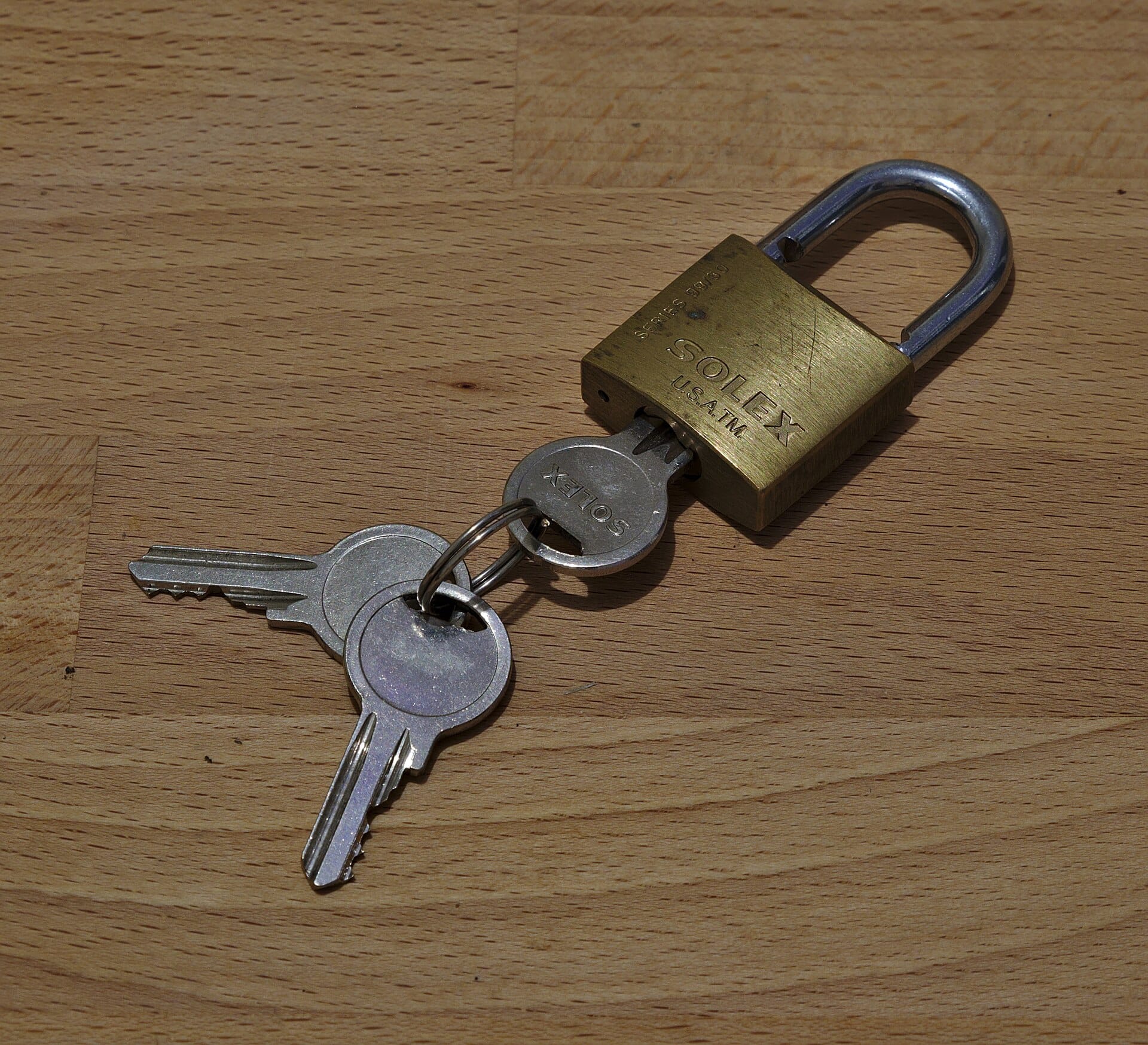
Image: “Padlock and Keys” by Trougnouf, CC BY 4.0, via Wikimedia Commons.
Sources: NIST SP 800-63B Digital Identity Guidelines · CISA: Use Strong Passwords · CISA: Turn on MFA


0 Comments