There is a specific kind of phone call that every small business owner dreads: someone who has control of your files, is polite about it, and is asking for payment by deadline. The operations are encrypted. The backups are not accessible to you. The clock is running.
That is ransomware, and the part that surprises most owners is that the attack was not technically sophisticated. The overwhelming majority of small business ransomware incidents begin with an ordinary employee doing an ordinary thing — opening an attachment, entering credentials on a convincing page, or using a personal phone on a work connection.
The good news is that this is one of the most preventable categories of cybercrime, and the CISA StopRansomware guidance is built specifically for organisations without a security department. This article covers how small businesses actually get hit, what to do in the first hour, and the honest arithmetic about paying.
What Ransomware Has Become
Ransomware is no longer primarily about encrypting your files. That is the old model, and it is largely obsolete because it is easy to detect and easy to recover from. The modern business model is different and worse:
- Gain access quietly — days or weeks before anything visible happens
- Exfiltrate your data first — copy customer records, invoices, payroll and email out
- Delete the backups — this is the step that turns an incident into a catastrophe
- Then optionally encrypt, and demand payment to avoid the data being published
Step 2 is the important one. If the extortion is about publication rather than encryption, then the critical question changes. It is no longer “can I decrypt my files?” It is “can I stop them publishing my data?” And that depends on whether they already copied it.
This is also why the traditional advice of “just have backups” is incomplete. Backups are essential. They are not sufficient, because restoring them does not make a customer list you have already leaked unsent.
How Small Businesses Actually Get Hit
Based on the pattern across incident reporting, the entry points cluster into four groups, and none of them require a skilled attacker:
| Entry point | What happens | Defence |
|---|---|---|
| Phishing email | Attachment or fake login page harvests credentials | Training, MFA, email filtering |
| Reused passwords | Credentials from a public breach tried remotely | Unique passwords, MFA |
| Exposed remote access | Remote Desktop or VPN left open to the internet | Close it, or require MFA |
| Unpatched system | Known vulnerability exploited by automated scanning | Patch promptly, remove unsupported systems |
The pattern to notice is that these are the same weaknesses covered in the cyber attack chain and password security. Ransomware is not a separate problem. It is the endgame of the same initial access problem, and the defences are identical up until the moment you need to recover.
One small-business-specific pattern deserves its own note: employees who are required to use their own phones and laptops for work. This is common, entirely reasonable on a budget, and it removes almost every control the business has, because the device is unmanaged, unpatched, and shared with family. A single unmanaged laptop can be the entire attack surface.
The First Hour: What To Do Immediately
This is the part that determines the outcome, and it is counter-intuitive. In order:
- Do not panic-delete anything. If you wipe machines or wipe drives, you destroy the forensic evidence that tells you how they got in. That information is what stops it happening again and what you need for any insurance or reporting.
- Isolate the affected systems by unplugging network cables and disabling network access. Do not power machines down — memory holds evidence that a reboot destroys.
- Do not pay, and do not contact the attackers yet. Paying funds the operation, does not guarantee deletion, and in many jurisdictions makes insurance recovery harder. There is rarely time pressure, however convincing the deadline.
- Write down everything — the ransom note text, the email address, the Bitcoin address, the timestamp, the extension on affected files. This is needed for reporting and for insurers.
- Report it. In the US, IC3 at the FBI. In the UK, Action Fraud. In Nigeria, contact the national CERT team and the Nigeria Cybercrime Unit, alongside your bank if money moved. Reporting gives you access to decryption tools and makes you part of the statistics that drive policy.
- Engage a professional incident responder if the business cannot do this internally. This is not a moment to learn.
- Notify regulators and affected parties as legally required. Data breach notification deadlines are real and short, and late notification is frequently the more serious failure.
- Contact your cyber insurer before paying anyone, because they usually require it and will not reimburse an undeclared payment.
The two most common costly mistakes in this list are wiping the evidence and paying first. Both feel like action and both make the situation worse.
Should You Pay? The Honest Answer
Nobody can tell you what to do in a crisis, so here is the reasoning rather than the conclusion.
Against paying:
- There is no guarantee of a working decryption key. Decryptor tools exist for specific older families and frequently do nothing for current ones.
- There is no guarantee of deletion. In the exfiltration model, the data has already left your building. Paying buys the attacker silence, not the return of the copy.
- Payment finances the next campaign against you and against others. A business that pays once is reliably targeted again.
- It is frequently unlawful, and many insurers exclude it.
- The FBI and CISA both advise against it, noting that victimisation continues either way.
For paying, honestly stated: in an incident where a business genuinely cannot survive the outage — no backups, no internal IT capability, no cash flow during the shutdown — paying may preserve the business. That is a commercial decision, not a security one, and it is made by the owner with professional advice while fully aware that recovery is not guaranteed.
What matters is that the decision is deliberate and informed, not made in the first hour by someone who has been told the alternative is permanent loss. The data does not become more or less published because you deliberated for a day.
Preparing Before It Happens
CISA’s StopRansomware guidance reduces to a small number of high-value items, and for a business of any size these are affordable:
- Offline, tested backups. At least one copy that cannot be reached from any networked machine. Test the restore — an untested backup is a hope, not a backup. Verify the NIST SP 800-34 contingency approach applies to you.
- Multi-factor authentication on everything remote-accessible — email, file sharing, finance, remote desktop, VPN. This is the single highest-return control.
- Unique passwords everywhere, ideally held in a password manager rather than documented in a shared spreadsheet.
- Patch promptly, and remove anything unsupported. An operating system or application with no security updates is a permanent liability.
- Network segmentation, so finance and file servers are not reachable from the guest Wi-Fi or the sales laptops.
- Disable macros and attachments from outside the organisation in your email gateway.
- Centralised, immutable logging for email, file servers and cloud accounts. Detection is the difference between a one-hour incident and a six-week one.
- Two separate accounts for the person who administers cloud services, one of which is used daily. This defeats the single most disruptive ransomware technique.
- Written incident plan with names and phone numbers, not job titles, so nobody is looking up an accountant at 2am.
Note how little of this is expensive. Backups, MFA, patching and logging cover the large majority of incidents, and the item that makes the biggest difference — MFA — costs almost nothing at all.
What Recovery Actually Involves
If you are in recovery, expectations matter. Realistically:
- Restoring from backups takes longer than people expect — days, not hours, for a small business, and the priority is usually identity, email and finance first, because you cannot function without them.
- Reimage, do not clean. A machine that was compromised cannot be trusted afterwards. Rebuild from known-good media.
- Assume the data left. Assume credentials are burned. Reset passwords and revoke sessions, including for accounts that were not obviously affected.
- Find the entry point before rebuilding. Otherwise the same path is used again within weeks. This is where the attack chain analysis earns its keep.
- Assume the attacker had access for weeks. Scoping an incident to “the machine with the ransom note” is a common and expensive error.
One piece of good news, and it is genuine: there is no widely-used ransomware that reliably destroys backups. The emphasis on backup deletion is aimed at making you believe you have none, not because a copy cannot be recovered. The IC3 publishes decryption tools for specific older families, and law enforcement occasionally seizes keys that unlock victims’ systems.
Frequently Asked Questions
Do small businesses get targeted by ransomware?
Yes, heavily, and increasingly by operators who automate it. Most attacks are opportunistic rather than targeted at you specifically, which means the standard controls genuinely work. Read the entry points in the attack chain.
Does paying the ransom get my files back?
Often not. There is no guarantee of a working key, and where data was exfiltrated before encryption, paying buys silence rather than deletion. The FBI and CISA advise against paying.
Will my backups save me?
They should, if at least one copy is genuinely offline and you have tested a restore. Backups must be isolated from anything that can reach your network, and they must be tested — an untested backup is a hope.
Is MFA enough to stop ransomware?
It stops the majority of incidents, because it breaks credential-based entry. It does not stop phishing that bypasses it, or exploitation of an unpatched system, so it belongs alongside patching, backups and segmentation rather than instead of them.
Should I report a ransomware incident to the police?
Yes. Contact your national CERT and law enforcement — IC3 in the US. Reporting provides access to decryption tools, may be legally required, and is usually a condition of insurance. Do it before paying anyone.
How much does ransomware recovery really cost?
For a small business the dominant costs are downtime, lost customers and the response itself — not the ransom. Businesses with tested offline backups and MFA recover in days; businesses without them frequently cannot recover at all.
Key Takeaways
- Modern ransomware is an exfiltration extortion, not just an encryption event.
- The entry points are the same weaknesses as any intrusion — phishing, reused passwords, exposed remote access, unpatched systems.
- In the first hour: isolate, do not delete evidence, do not pay, document everything, report.
- Offline tested backups, MFA and network segmentation prevent the large majority of incidents.
- Assume the data already left. Restoring backups does not unsend it.
Related reading: password security and hardening your router and network.
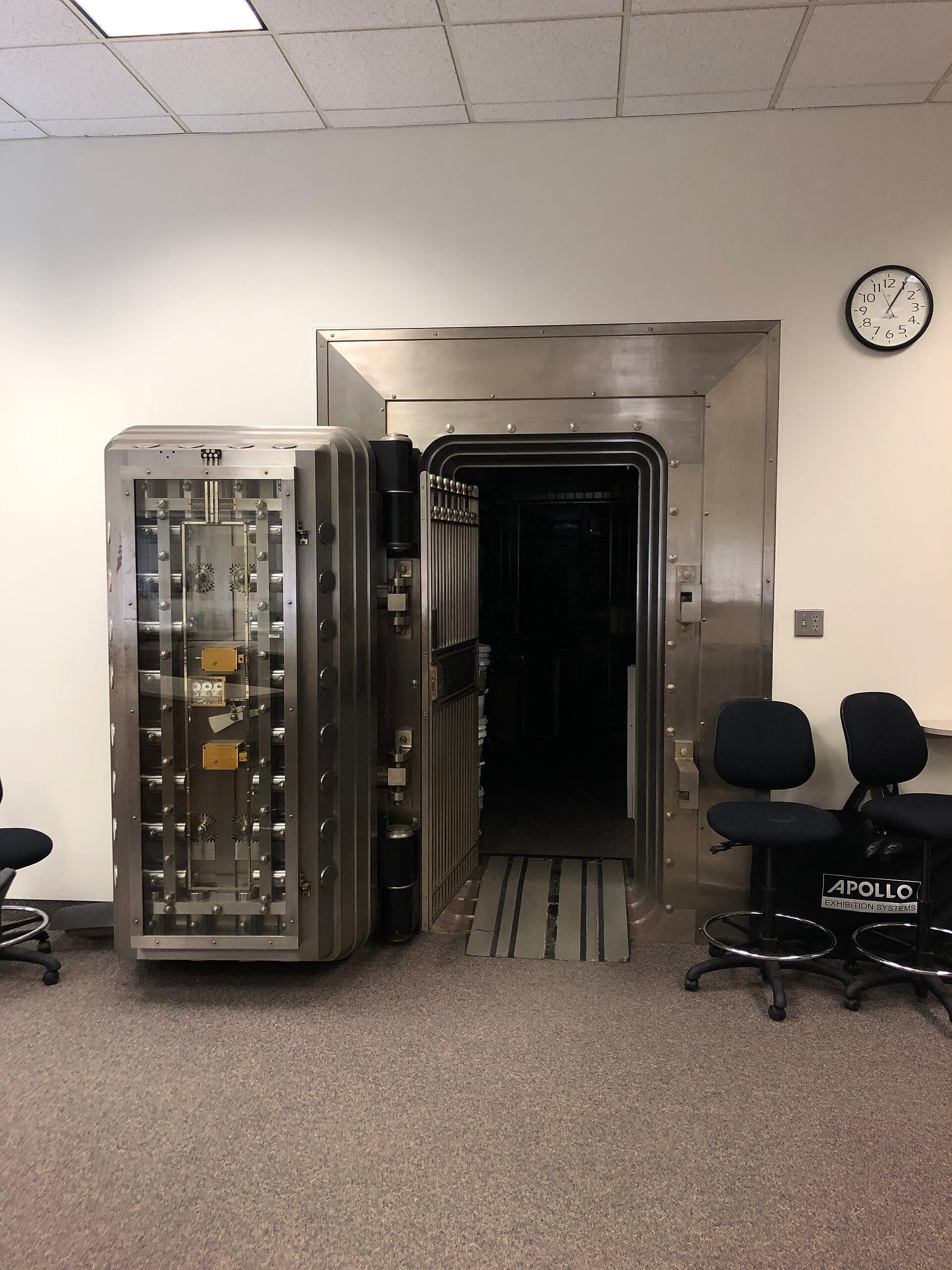
Image: “Bank Vault Door” by Mbrickn, CC BY-SA 4.0, via Wikimedia Commons.
Sources: CISA StopRansomware · FBI IC3 · NIST SP 800-34 Rev. 1, Contingency Planning Guide · NIST SP 800-61 Rev. 2, Incident Handling Guide


0 Comments