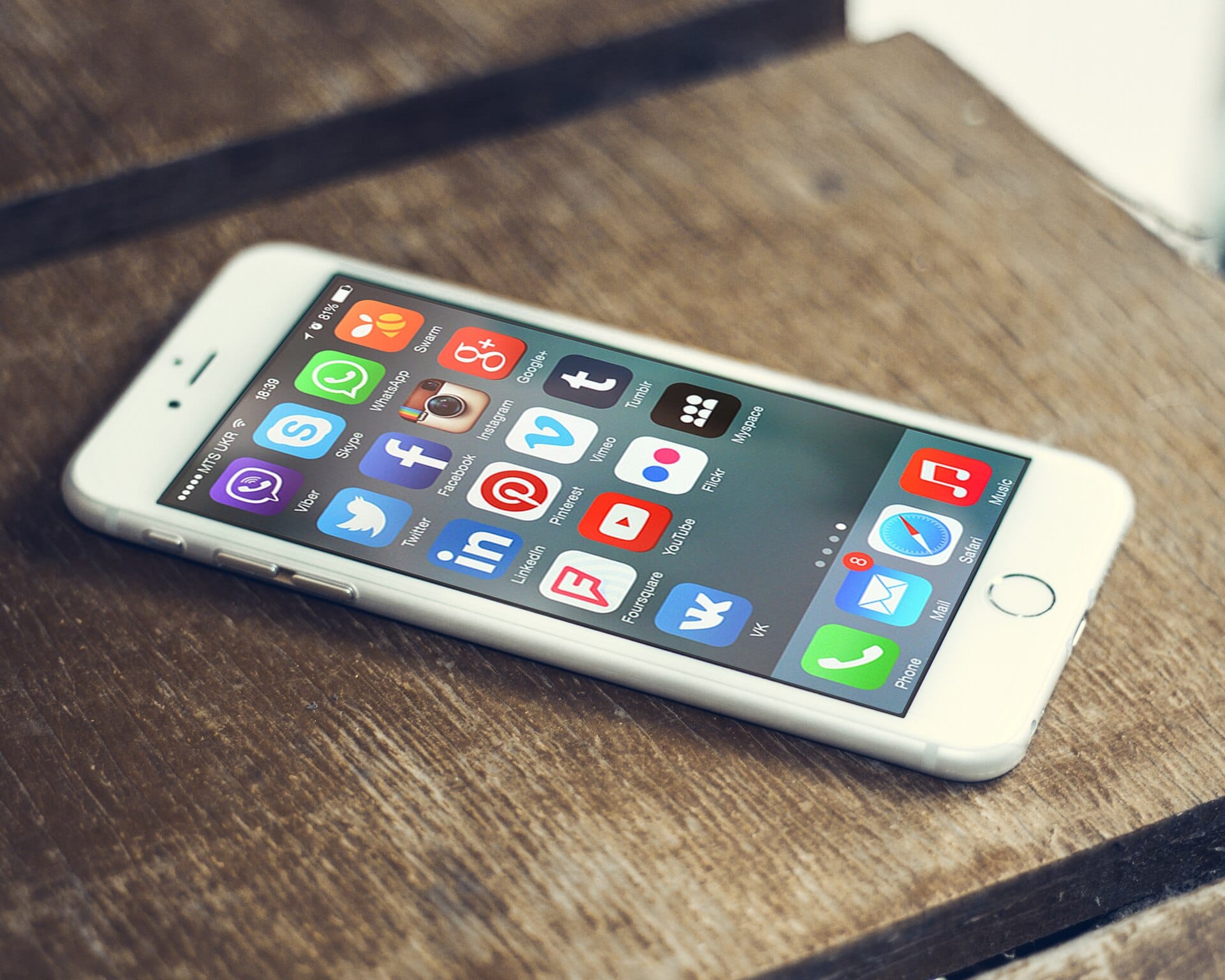
A solar installer in Lagos loses a business Facebook page on a Wednesday afternoon. By Thursday morning the page has been renamed, the phone number has been swapped for a foreign one, and the customers who trusted it are seeing adverts for something else entirely. Nothing about the password was guessed. Somebody walked through a recovery form, answered a question the page had published, and replaced the administrator. The uncomfortable truth about social media security is that the account password is rarely the thing that fails.
Ranked by how often it happens, the order is not what most people expect.
| Method | What the attacker needs | What stops it |
|---|---|---|
| Stolen email inbox | Any weakness in the email password or its second factor | Phishing-resistant MFA on email, and unique passwords everywhere |
| Reused password plus a guessed security question | Your birthday, your mother’s maiden name, your school | Real recovery codes, and answers that are not on your profile |
| SIM swap | A convincing call or a visit to a telecom outlet | App-based MFA, and a PIN at the outlet |
| Phished second factor | One click and one code typed into a fake page | Passkeys or an authenticator app, and never typing codes from emailed links |
| Malicious app or extension | You installed something free and unexpected | Fewer extensions, and reviewing app permissions |
| Session theft or device access | Physical or remote access to a logged-in device | Screen lock, remote wipe, and a password on the phone |
Look at the first two rows and the pattern is obvious. Almost everything routes through the email inbox, because every platform’s password reset lives there. The phishing mechanics are covered properly in our guide to email security, but the order of operations is worth stating: the attacker takes the inbox, the inbox resets the social account, and the social account is then used to impersonate you to your customers. The attack chain shows the same sequence from the other direction, and it is why a business page is a target rather than a nuisance.
Why a second factor matters more than a long password
A long, unique password is necessary and it is not sufficient. Every password is a secret transmitted to a server you have never audited, which means any breach of any site you have used can put it into somebody’s cracking list. A second factor changes the arithmetic, because a leaked password is then no longer enough on its own. What matters is the strength of that second factor, and the order is not intuitive: a code from an authenticator app beats a text message by a wide margin, and a passkey beats both, because it is tied to the genuine site and cannot be handed to a fake one. CISA’s phishing-resistant authentication guidance sets out the same ranking, and the practical setup is in password security for 2026.
Two second-factor details matter more than the rest here. Turn on number matching where the app offers it, which stops an attacker spamming approval prompts until somebody taps accept out of irritation. And store the one-time recovery codes the platform generates, printed or written down, because the platform will otherwise offer to send them to the inbox the attacker may already own. Neither setting is hidden, and most account holders have never opened the menu where they live.
Privacy settings that actually reduce risk
Most of what social platforms call privacy is about comfort, not safety. These are the settings that change an attacker’s options, and this is where social media security is usually reduced to a settings menu nobody opens twice.
Remove the data an attacker can use as an answer. Date of birth, home town, employer, school, first pet, mother’s maiden name. The recovery questions on most platforms are drawn from the same list your profile publishes. If a platform offers recovery by a photo holding a document, remember the document expires and you will need the next one eventually. Put the real answers in the password manager, not in your head and not on your profile.
Check who can message and who can be found
Open the message settings and set them to connections or followers rather than everybody. Then open discoverability and turn off the public search-engine indexing that lets a stranger look up your account by email address or phone number. This is the single setting most people leave on, and the one most impersonation attempts rely on, because the attacker has to find the account before attacking it. Worth doing on WhatsApp, which most Nigerian business communication actually runs through, as well as on the platforms themselves.
Check connected apps. Every third-party application you have authorised holds an access token to your account, and some hold it forever. Access tokens survive a password change, which is why removing an app is not the same as changing a password. Open the list of connected applications and remove anything unrecognised or unused. Do it once now, and twice a year after that.
Business pages deserve more, not less
A personal account is a nuisance to lose. A business page is a customer-facing channel, a payment destination in the informal economy, and a place where your staff are identifiable. It deserves two administrators rather than one, each with their own credentials and their own second factor, never a shared login. It deserves a business email address on the account rather than a personal one, because the email is what has to survive when one person leaves. And it deserves a twice-yearly check of who holds admin rights, in the same way the office checks who has a key.
One more control costs nothing and almost nobody sets it up: a warning for customers, written now. Decide now, in a message you can send from a page you still control, that you will never request a bank transfer through the social channel and that customers should call the number on their invoice if anything looks unusual. When the page is eventually taken, that single post is the difference between a warning and a silence, and silence is what makes an impersonation convincing. If money ever moves through a social channel, treat the account as part of online banking security rather than as marketing, and keep the money itself on a properly secured account elsewhere.
Frequently asked questions
From a different device, not the compromised one, change the email password first and revoke its active sessions, because email is how the account is recovered. Then change the social password, sign out of every session, remove unknown connected apps, and turn on a second factor. Then use the platform’s hacked-account route with screenshots you saved at the time. If money moved, treat it as a fraud case immediately rather than waiting for the platform to reply.
How do I recover a page that has been taken over?
Platforms generally require identity evidence for a business page, not a password, so the route is the platform’s appeal process with your registration details, business name evidence and a company email on a domain you still control. If the attacker also took the domain or the business email, that is a registrar problem as well as a platform one, and it must be pursued in parallel, because a page locked to an unverified email will stay locked.
Yes, and the hassle is about a minute once a year. It is the only control that survives a password appearing in a breach of some unrelated website, which is not a hypothetical, it is the normal way these accounts are lost. Prefer an authenticator app or a passkey over text messages, and keep the recovery codes somewhere that is not the inbox. Where a platform supports a passkey, take it.
Should I use the same account for business and personal?
No. Separate the accounts, separate the devices where practical, and separate the email addresses. It costs nothing, and it means a compromised personal account does not take the business channel with it, and somebody experimenting with a phone number does not find your customers. Most advice stops at the login screen; this is the part after it.
Key Takeaways
- Social accounts are lost through the email inbox far more often than through a guessed password, so secure email first.
- A strong password is necessary and not sufficient. The second factor is what makes a leaked password harmless.
- Prefer an authenticator app or a passkey to text messages, and keep the recovery codes outside the inbox.
- Delete date of birth, employer and school from public profiles, because they are the answers to your recovery questions.
- Set message and discoverability settings so strangers cannot find you, and clear out connected apps holding permanent tokens.
- Give a business page two administrators, a company email address, and a twice-yearly check of who has admin rights.
Most of this rests on the same foundation as everything else, which is password security for 2026 and a second factor you can trust.
Sources: social media platforms, reach and how accounts are organised; SIM swap, how a phone number is transferred without the handset; phishing as the main route to account compromise; CISA fact sheet on implementing phishing-resistant multifactor authentication; access tokens and why authorised apps outlive a password change.


0 Comments